







The long awaited maps for Canada are now available, only Ontario and the NW-Territories + Novanut are still mising and will be added ASAP.
Now available:
- Alberta
- British-Columbia (complete coverage)
- Saskatchewan
- Vancouver
- Manitoba
- Quebec_North, incl. Newfoundland
- Quebec_South, incl. Nova Scotia und New Brunswick
- Yukon
If there are Problems with these maps please drop me a line with a permalink of the region in question – the datastructure of the millions of lakes in some areas are most complicted (Monster relations with thousands of members) and may lead to problems with mapsforge.
On the way completing Asia three new maps were added:
– Mongolia
– China-West
– Kasakhstan
Rendering of these maps became possible with the new Rendermachine.
The apperence of Desert-areas now is improved in lower zoom levels, trunks and primary highways now appear at lower zoom levels.
The new rendemachine is up and running, all problems that occured during the upgrade are identified and solved.
So most of the European maps are updated, the renderthemes now render the names of big citys more reliable so the overview in low zoom-levels is improved. These themes are available for download and will be included in the map-zips with the next update.
I’m looking forward to offer a new, more complete, mapset for Canada in the oncomming weeks and an update of whole America – both north and south.
More than 50% of the costs of the new rendermachine were covered by – YOU – so I want to say thanks, and please support this project further on to keep it up.
Best regards, Christian
Hello,
Nearly 50% of the new rendering engine is now funded by your donations, as Amazon vouchers, donations through Paypal and commodity contributions. This is a great encouragement for me to develop this project further and to provide the community with more and better maps – my best thanks!
About 500 € I spent from my own money and the project taking shape.
Well, I suppose it’s of interested what happened with the money so far:

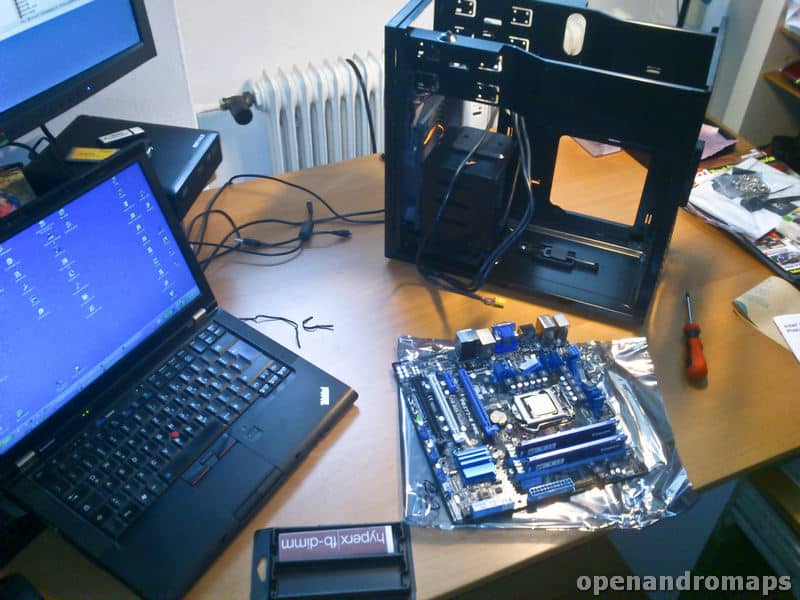
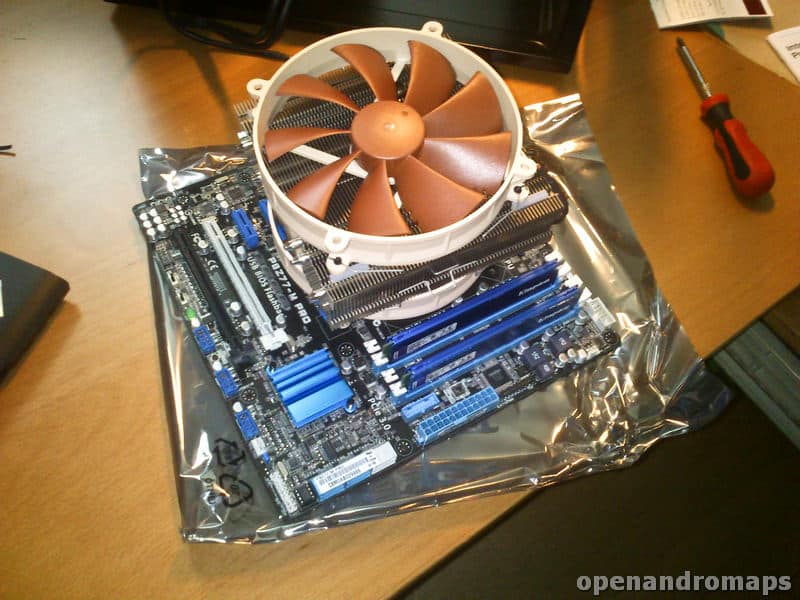
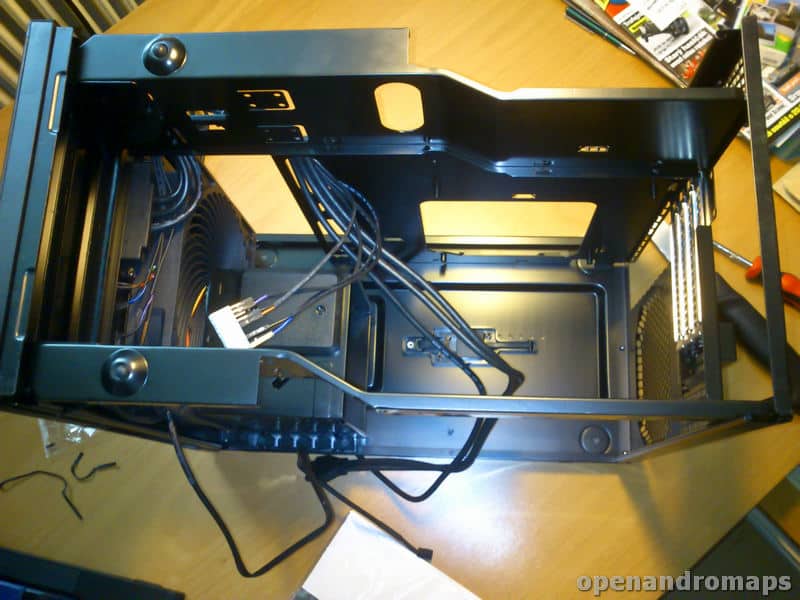

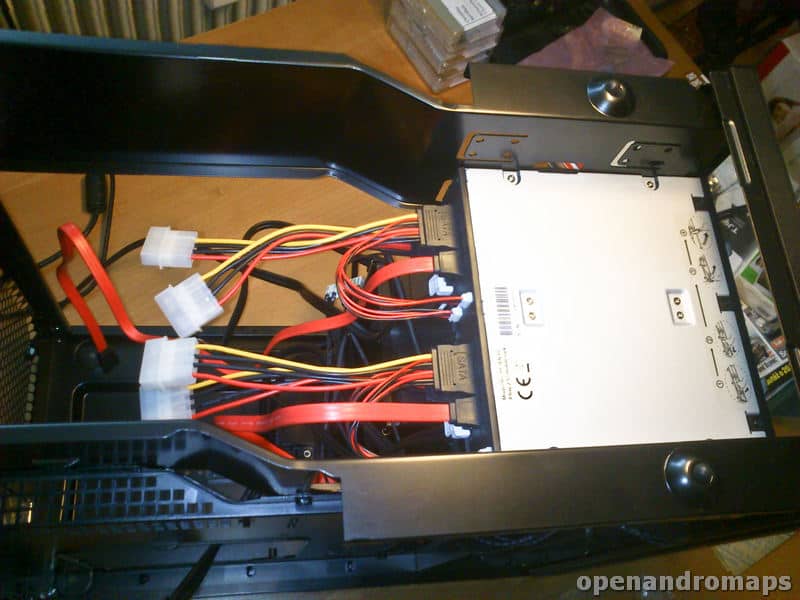
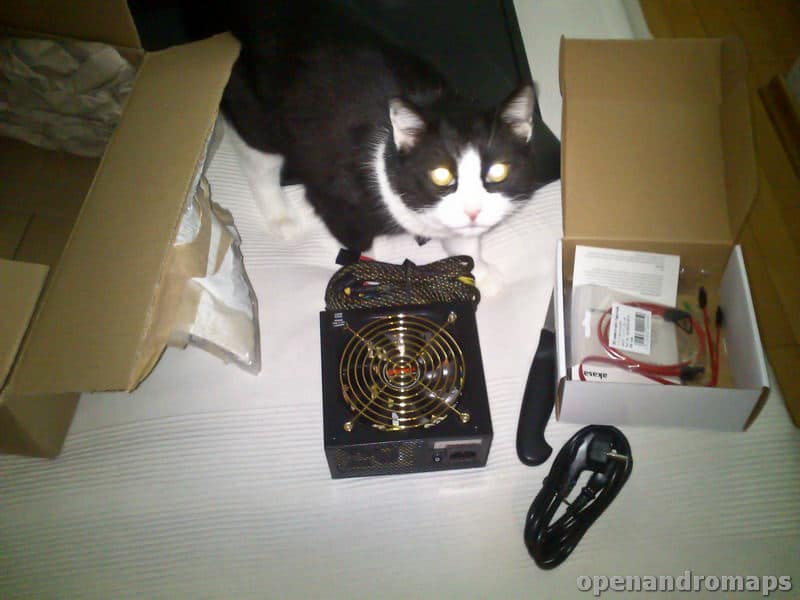
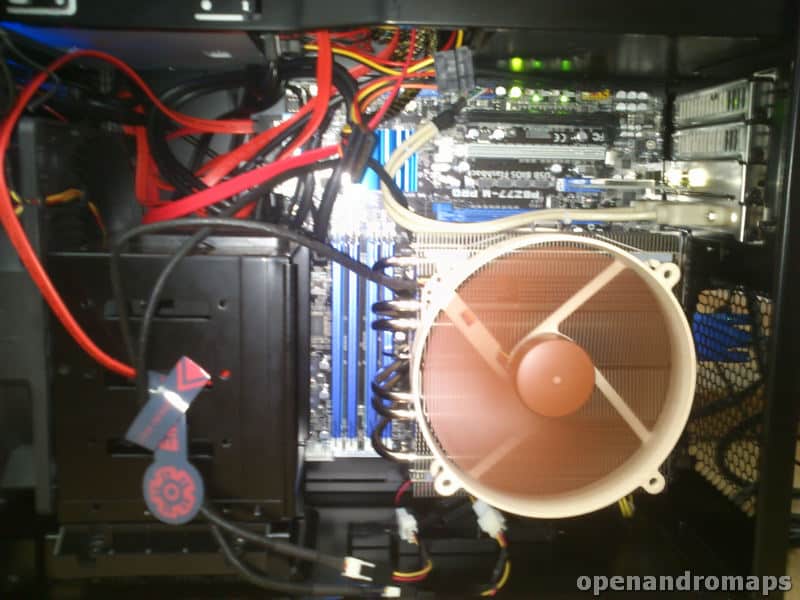
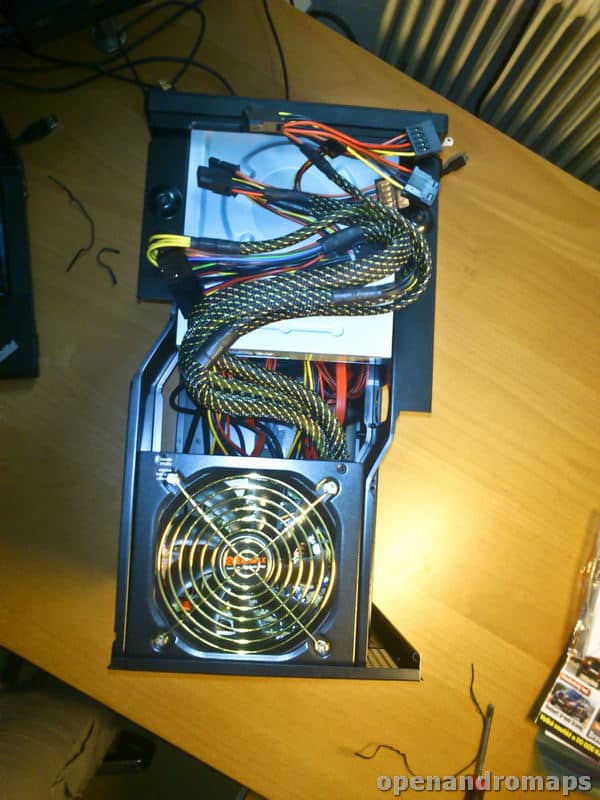
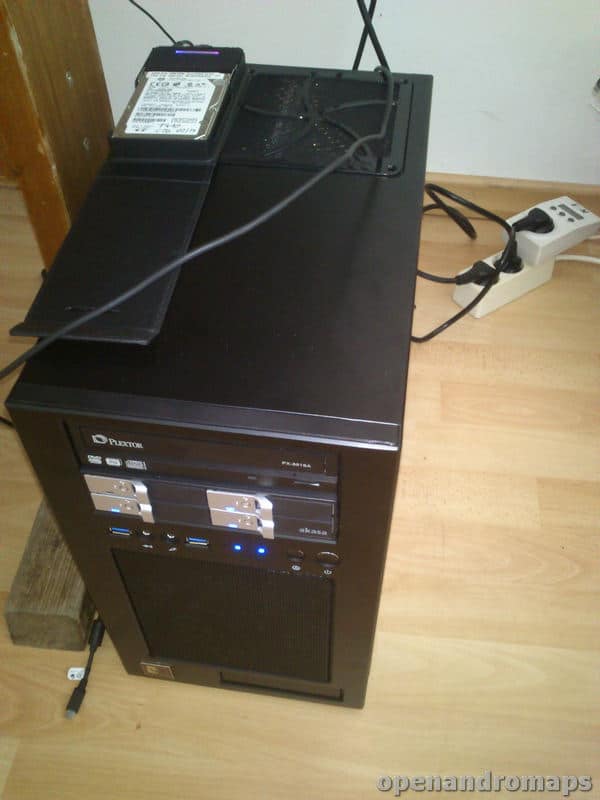
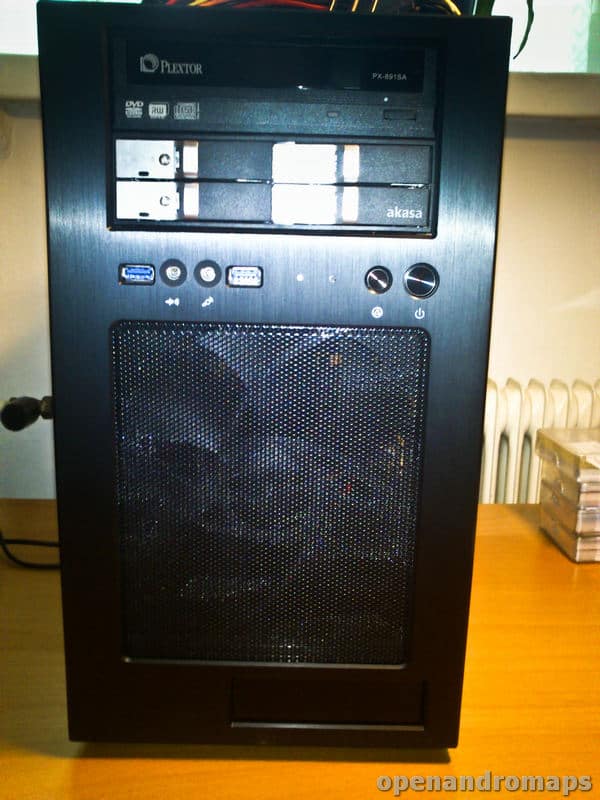
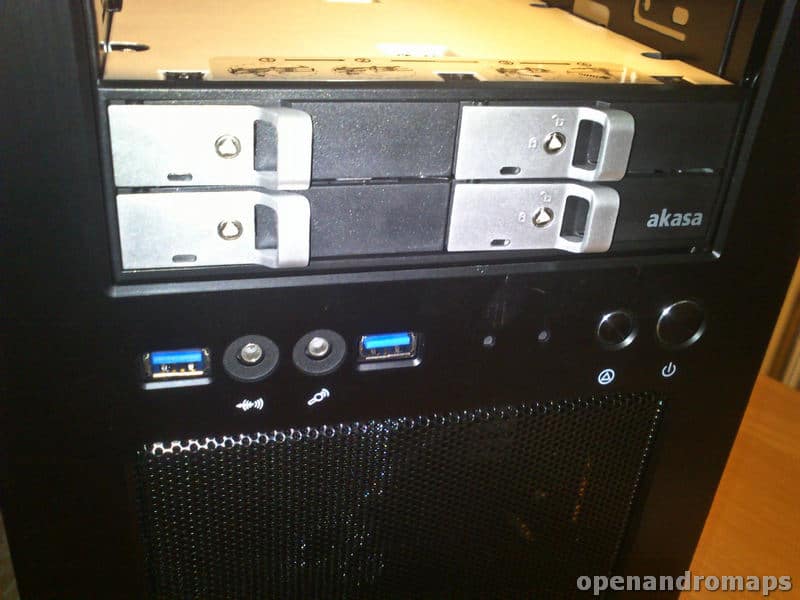
My intention was to set up this weekend a “light version” of the rendermachine, well …, the CPU cooler is such a monster that it is impossible to retrofit later the additional 16GB of RAM (to the full 32GB).
So it will be right from the start, the “almost-final” Version with full RAmg, the large SSD will be ordered too on Sunday evening (no matter how the donation account looks) and next weekend, 16th-17th March the reworking of the programs / Scripts to the 64bit system will be started.
What is still missing is an external backup drive and an internal for the subtasks – here for now an old Scorpio Blue will do the job for a while.
What will be done the new machine:
– Germany and France is one planned as a complete map, the Germany map most lilely as a combined cycle/hike.
– USA including Alaska / Canada with more provinces / Africa / Asia Updates
– As a vision: Russia, China, etc. ..
Best regards,
Christian